地图,而非海量转储:Sentinel-IR-MCP 0.2.0 新增 TypeScript,0.2.1 让缺失分析变得可见
A Map, Not a Megadump: Sentinel-IR-MCP 0.2.0 Adds TypeScript, 0.2.1 Makes Missing Analysis Visible
我们发现了什么
!图片描述 (https://dev-to-uploads.s3.us-east-2.amazonaws.com/uploads/articles/6kfolzmvfcug76b8x2fm.jpg) 当 AI 智能体打开一个代码库时,它应该先读取每个文件,还是先获得一份紧凑的地图,了解这些文件包含什么,再按需检查重要文件?30 秒版 AI 编程智能体可能花费大量上下文读取源文件,只为弄清楚重要内容在哪里。
- 来源:DEV Community(发现于 2026-10-22)
- 证据等级:D · 发现产品或需求信号,暂未获得可核验的商业证据。
- 商业模式:待核验
- 主题:独立产品
- 初筛评分:15.1/100 · 收录 1 次
证据,比故事更重要。
规则清洗与初筛,未经人工商业核验。原文语境、实际客户和付费情况仍需自行验证。
引用与数字披露
来源类型(原作者自述/第三方测算/媒体转引)需采集端标注,本版尚未落字段。
- 作者
- 未标注
- 抓取日期
- 来源类型
- 未标注
- 币种
- 未标注
- 口径
- 未标注
- 披露主体
- 未标注
- 披露日期
- 未标注
中文辅助译文(全文)
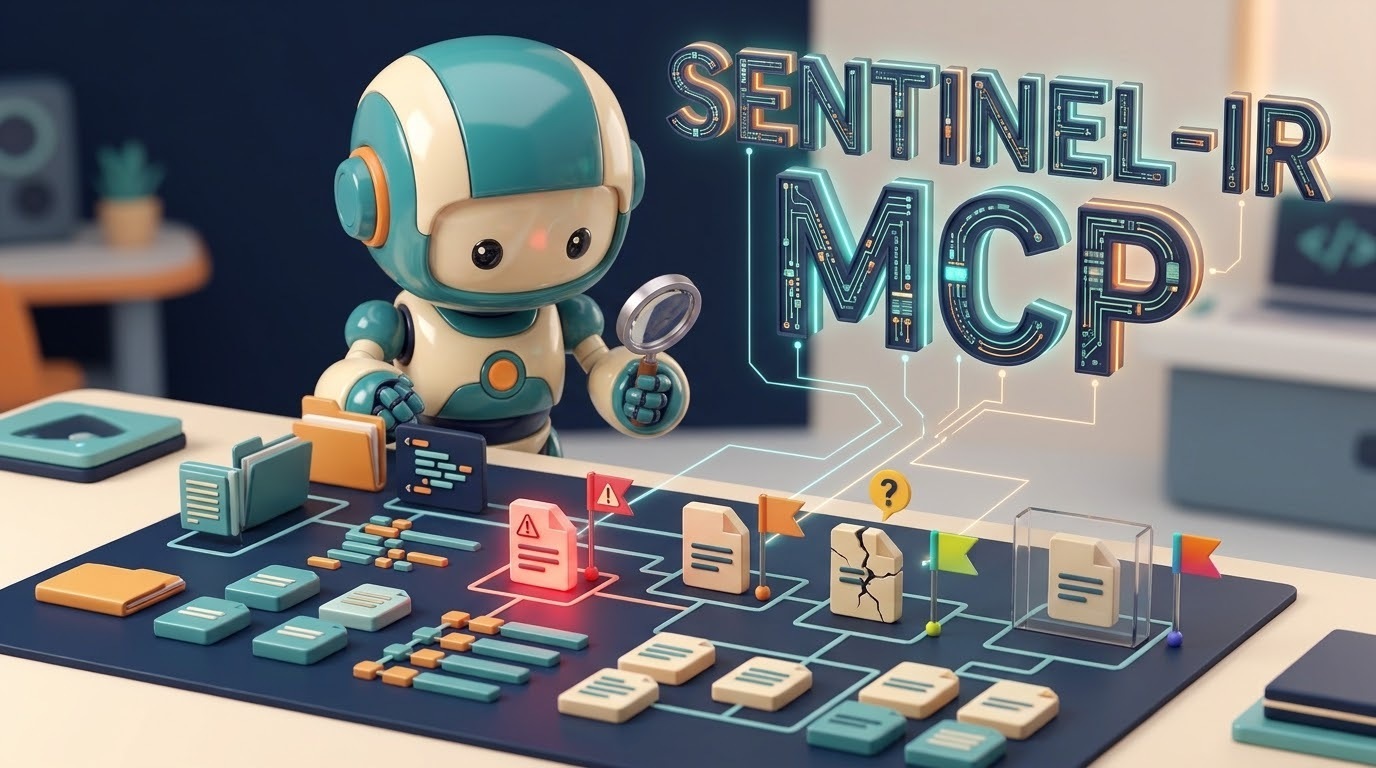 当 AI 智能体打开一个代码库时,它应该先读取每个文件,还是先获得一份紧凑的地图,了解这些文件包含什么,再按需检查重要文件?30 秒版 AI 编程智能体可能花费大量上下文读取源文件,只为弄清楚重要内容在哪里。
译文由上游机器翻译生成,可能有误;判断请以英文原文为准。
英文原文(来源本站未改写)
When an AI agent opens a codebase, should it read every file first, or should it get a compact map of what those files contain and inspect the important ones on demand?
That is the idea behind Sentinel-IR and Sentinel-IR-MCP. Version 0.2.0 brought TypeScript and TSX into the MCP workflow. Version 0.2.1 made a different, less flashy but equally important improvement: it made incomplete and skipped files visible in the directory summary, rather than letting a low-risk-looking entry hide uncertainty or one unreadable file ruin the whole result.
- npm: "sentinel-ir-mcp 0.2.1" (https://www.npmjs.com/package/sentinel-ir-mcp/v/0.2.1)
- Source at the release tag: "GitLab v0.2.1" (https://gitlab.com/jakubrojicek11/sentinel-ir-mcp/-/tree/v0.2.1?ref_type=tags)
- Project: "sentinel-ir-mcp on GitLab" (https://gitlab.com/jakubrojicek11/sentinel-ir-mcp)
- Core analysis library: "sentinel-ir on GitLab" (https://gitlab.com/jakubrojicek11/sentinel-ir)
This article is deliberately split into three reading depths. Start with the 30-second version, take the friendly tour, or jump to the engineering details.
- The 30-second version
An AI coding agent can spend a lot of context reading source files just to work out where the important things are. Sentinel-IR creates a compact structural summary instead: imports, exports, routes, environment reads, filesystem/network/process activity, selected risk signals, and an explicit analysis status.
Sentinel-IR-MCP exposes that summary to compatible AI clients through the Model Context Protocol (MCP), using three tools:
- "analyze_code": analyze source text supplied by the client.
- "analyze_file": analyze one supported source file within an allowed folder.
- "analyze_directory": scan a folder and return per-file summaries, ordered by risk.
Version 0.2.0: added TypeScript and TSX support alongside JavaScript. The language is selected from the file extension, with an explicit language option available for "analyze_code".
Version 0.2.1: added "incomplete", "statusCounts", and "skipped.unreadable" to the directory summary. A parse-incomplete file is listed separately, and one file that cannot be read or handled must not hide the results for the rest of the directory.
The principle: a missing result must look missing, not safe.
This is a read-only structural analysis aid, not a complete security scanner and not a guarantee that the code is safe.
- The friendly tour: explain it to me like I am new to MCP
The problem: giving an agent a whole library instead of a map
Imagine asking a new teammate to review a project with hundreds of files. You hand them the whole repository and say, “Find the important parts.” They have to discover the layout, hunt for routes and imports, locate the places that touch the filesystem, and work out where commands or network requests might happen.
An AI agent faces a similar problem. Reading more source can consume more context and time, and the most relevant file may be buried among many ordinary files.
Sentinel-IR takes a different first step. It parses supported source files and extracts compact structural facts. The result is closer to a map or an index than a copy of the original file. The agent can use that map to decide which raw files deserve closer inspection.
The map is not the territory. It helps navigation; it does not replace the source code when a detailed review is needed.
What is Sentinel-IR?
 Sentinel-IR is the analysis library. It looks at JavaScript or TypeScript structure and produces a compact Intermediate Representation, usually shortened to IR.
In plain English, the IR can tell an agent things such as:
- which modules a file imports;
- which functions or values it exports;
- whether it contains recognised patterns involving dynamic evaluation or process execution;
- which routes, environment-variable reads, filesystem calls, network calls, or crypto-related calls were found by its rules;
- what risk category its current rules assign;
- whether parsing completed successfully.
The point is not to retell every line of code in natural language. It is to provide a smaller, structured set of facts that a tool or agent can inspect consistently.
What does MCP add?
MCP, the Model Context Protocol, is a standard way for an AI application to communicate with tools and other context providers.
Think of Sentinel-IR as the workshop tool and MCP as the standard socket that lets a compatible AI client use it. Instead of creating a special integration for every client, the server exposes named tools with defined inputs and outputs. Clients such as Claude Desktop, Cursor, Windsurf, and other compatible MCP clients can call those tools when configured to do so.
MCP does not make the analysis smarter by itself. It makes the capability accessible through a consistent interface.
What changed in 0.2.0?
Before 0.2.0, this MCP workflow was focused on JavaScript. Version 0.2.0 added TypeScript and TSX support while preserving the existing JavaScript path.
The supported extensions are:
Language| Extensions JavaScript| ".js", ".mjs", ".cjs" TypeScript| ".ts", ".mts", ".cts", ".tsx"
For file-based tools, the extension selects the language. For "analyze_code", a "target" filename can provide the extension; an explicit "language" can override the default when necessary.
This matters because TypeScript is not just JavaScript with decorative annotations. Types, type assertions, TS-specific declarations, and TSX syntax affect how a parser should interpret a source file. Language-aware parsing lets the analysis work with the source structure instead of treating TypeScript as if it were always plain JavaScript.
The implementation keeps JavaScript on its existing analysis path rather than forcing all languages through one parser configuration. That is a compatibility decision: supporting another language should not silently rewrite established JavaScript results.
What changed in 0.2.1?
Version 0.2.1 focuses on making the directory summary more honest and resilient.
There are three useful categories to understand:
Complete analysis means the analyzer finished parsing the file according to its current rules. It does not mean the program is proven safe.
Incomplete analysis means the file produced a result, but parsing did not finish cleanly. The file remains in "files", and its status is "incomplete". Because the parser could not fully understand the file, its risk result must not be treated as a safety verdict.
Skipped/unreadable means the file did not produce a normal analyzed entry because the per-file read or analysis operation raised an error. In 0.2.1, it is surfaced in "skipped.unreadable" instead of allowing that file to abort the entire directory operation. The current implementation uses that category for exceptions across the file-read/analysis boundary, so it is an outcome category rather than a detailed taxonomy of every underlying cause.
The new fields are:
- "incomplete": paths whose analysis status is not "complete", listed once and sorted by path;
- "statusCounts": totals for "complete" and "incomplete" among analyzed results;
- "skipped.unreadable": paths that could not produce a normal per-file result because the read/analysis operation failed.
The original "files" shape and risk-based ordering remain unchanged. The IR library itself is not changed by this MCP release.
Why is this important?
Suppose a directory contains:
- "run.ts", where a risky process-execution pattern was detected;
- "broken.ts", which has syntax the parser cannot fully handle;
- "ok.ts", which was analyzed normally;
- "locked.js", which the server cannot read.
A useful report should still tell you about "run.ts" and "ok.ts". It should also clearly say that "broken.ts" is incomplete and "locked.js" did not produce an analyzed result. It should not turn either missing understanding into a quiet “looks safe.”
That is the practical difference between a list of findings and a report that exposes its blind spots.
- The developer section: tools, outputs, limits, and tests
This section is for people integrating the server or evaluating its behavior in a real workflow.
3.1 The integration surface
The server currently exposes three tools, keeping the surface small and explicit:
Tool| Input| Purpose "analyzecode"| Source text; optional "target" and "language"| Analyze source without first reading a project file through the tool. "analyzefile"| A path inside an allowed root| Read and analyze one supported file. "analyzedirectory"| Optional directory path, "maxfiles", and "recursive"| Analyze supported source files and return risk-sorted summaries plus counts and skipped/incomplete lists.
Results are returned as JSON text and as MCP "structuredContent". Tool annotations declare the tools read-only, non-destructive, idempotent, and not open-world. Those annotations describe intended tool behavior; they are not a substitute for inspecting the implementation or configuring the correct allowed roots.
3.2 A copy-ready MCP configuration
The server requires Node.js 20 or newer and can be started with "npx". Give it the absolute path of the project that the agent is permitted to inspect. Replace the example path with your own project path.
"claudedesktopconfig.json" entry
The following is a valid JSON configuration object for the relevant part of the Claude Desktop config. Merge the "mcpServers" entry into the existing configuration rather than deleting other servers.
{ "mcpServers": { "sentinel-ir": { "command": "npx", "args": [ "-y", "sentinel-ir-mcp@0.2.1", "/absolute/path/to/your/project" ] } } }
Cursor project config: ".cursor/mcp.json"
{ "mcpServers": { "sentinel-ir": { "command": "npx", "args": [ "-y", "sentinel-ir-mcp@0.2.1", "${workspaceFolder}" ] } } }
These examples pin the version to "0.2.1" so the configuration does not silently switch to a future release. If you prefer to follow the latest npm version, remove "@0.2.1" from the package name. After changing the client configuration, restart or reload the client as required by that application.
3.3 A copy-ready "analyze_code" tool input
When an MCP client calls "analyze_code", the tool arguments are JSON. This example uses a TypeScript filename so the tool can select the TypeScript language from the extension. The "language" override is included to make the intent explicit.
{ "target": "src/danger.ts", "language": "typescript", "code": "import { exec } from \"node:child_process\";\n\nexec(\"echo hello\");\n" }
This is the tool input, not a standalone JavaScript file. JSON requires quotes and newlines inside a string to be escaped. That is why this form can be pasted into a tool inspector or used as a fixture without guessing where a quote or line break belongs.
3.4 Understanding the 0.2.1 directory summary
"analyze_directory" continues returning its original "files" array in risk order, and adds explicit status information beside the existing risk counts. Here is a reduced, illustrative shape for the relevant fields. The file objects below are intentionally abbreviated to make the summary easier to read; actual entries include more fields, including "forbidden" and structural "facts".
{ "analyzed": 3, "truncated": false, "riskCounts": { "critical": 1, "high": 0, "medium": 0, "low": 2 }, "statusCounts": { "complete": 2, "incomplete": 1 }, "incomplete": [ "src/broken.ts" ], "skipped": { "tooLarge": [], "symlinks": 0, "unreadable": [
... (truncated at the site's per-page length limit; see the source link below for the full text.)
这条还缺什么证据?
下面每条都由本条已有字段推出(等级、理由、商业模式、来源次数、是否演示), 本站不生成推测性结论;通用验证方法放在方法论页。
- 可核验的收入或付费证据查官网定价页与付费口径;第三方数据源(如 GetLatka)只作旁证,需标注来源与时点。
- 商业模式未定确认按席位/按用量/授权还是开源托管版收费;开源项目另查 LICENSE 与是否存在付费版。
- 只有单一来源找一手站点或其他渠道是否重复出现同一产品;社区热帖数量不等于商业进展。
通用验证清单(谁有这个问题/谁愿意付费/一个人能交付哪一小步)见我们的筛选方法。